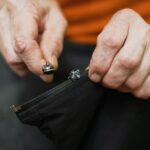
Most of the time, the problem isn’t your device!
A loose charging cable is one of the most common everyday tech frustrations. Before you buy a replacement or take your device in for a port repair, try these fixes first.
Step 1 — Figure Out Where the Problem Is
Before you fix anything, confirm the source of the issue. Plug in your cable and gently wiggle it side to side. If it falls out easily or the connection keeps cutting out, the problem is most likely one of three things:
- Lint or debris is packed into the charging port
- A bent or worn connector on the cable itself
- Stretched internal spring inside the port
Knowing which issue you’re dealing with points you directly to the right fix.
Step 2 — Clean the Charging Port
Pocket lint and dust compress over time into a dense plug at the bottom of the port, preventing the cable from seating fully and making a proper connection.
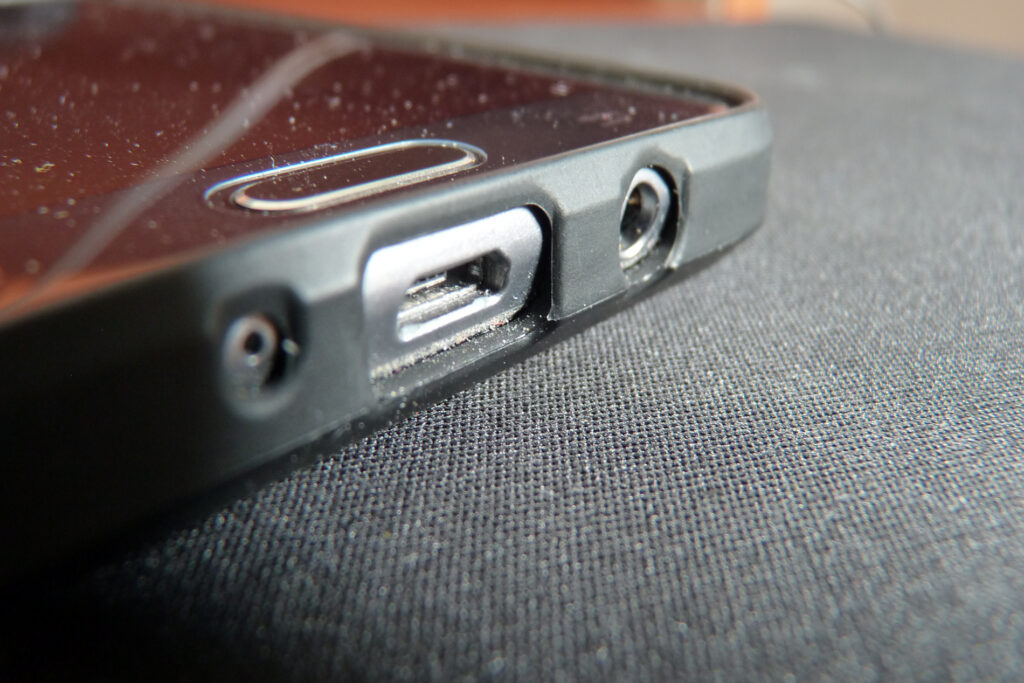
What to do: Turn off your device. Use a toothpick or a non-metallic SIM ejector tool and gently scrape along the bottom and sides of the port in short, careful strokes. Angle the tool slightly to pull debris outward rather than pack it in deeper. Follow up with a short blast from a can of compressed air to clear anything remaining.
Do not use metal tools, water, or blow into the port with your mouth. Moisture causes corrosion and makes the problem worse.
Step 3 — Inspect and Adjust the Cable Connector
If the port is clean but the cable still won’t hold, look closely at the metal tip of the cable connector. On USB-C and Micro-USB cables, check for visible bending or flattening of the contact point.

For Lightning cables specifically, there is a small metal tab inside the connector that creates the gripping tension when plugged in. If that tab has flattened over time, you can very gently coax it upward using a toothpick — just a fraction of a millimeter is enough to restore the connection. Work slowly and don’t apply force.
Step 4 — Test the Connection

Plug the cable back in after each step. A properly seated cable should click or faintly snap into place, charge without needing to be held at an angle, and stay put without propping or wedging.
When to Replace the Cable
If you’ve cleaned the port, adjusted the connector, and the cable still won’t hold, the cable itself is at the end of its life. Frequent bending near the connector causes internal wire fatigue. A replacement cable is nearly always cheaper than a port repair — and faster too.